
The Work Between Systems, Done.

Multi-step workflows. Triggers on anything. Humans in the loop where they should be.

Most of what your team actually does is the work between systems — pulling data from one place, drafting something based on it, pushing it to another, alerting somebody when it lands. Automated Workflows pick up that long-tail orchestration so your people don't have to live in copy-paste mode.

Schedules, event triggers, or manual runs — same engine. Approval gates wherever a step calls for a human signoff. The same tools your team uses, the same account-scoped permissions, the same audit trail. Runs against your monthly account credits — predictable, visible, with additional capacity available when you need it.
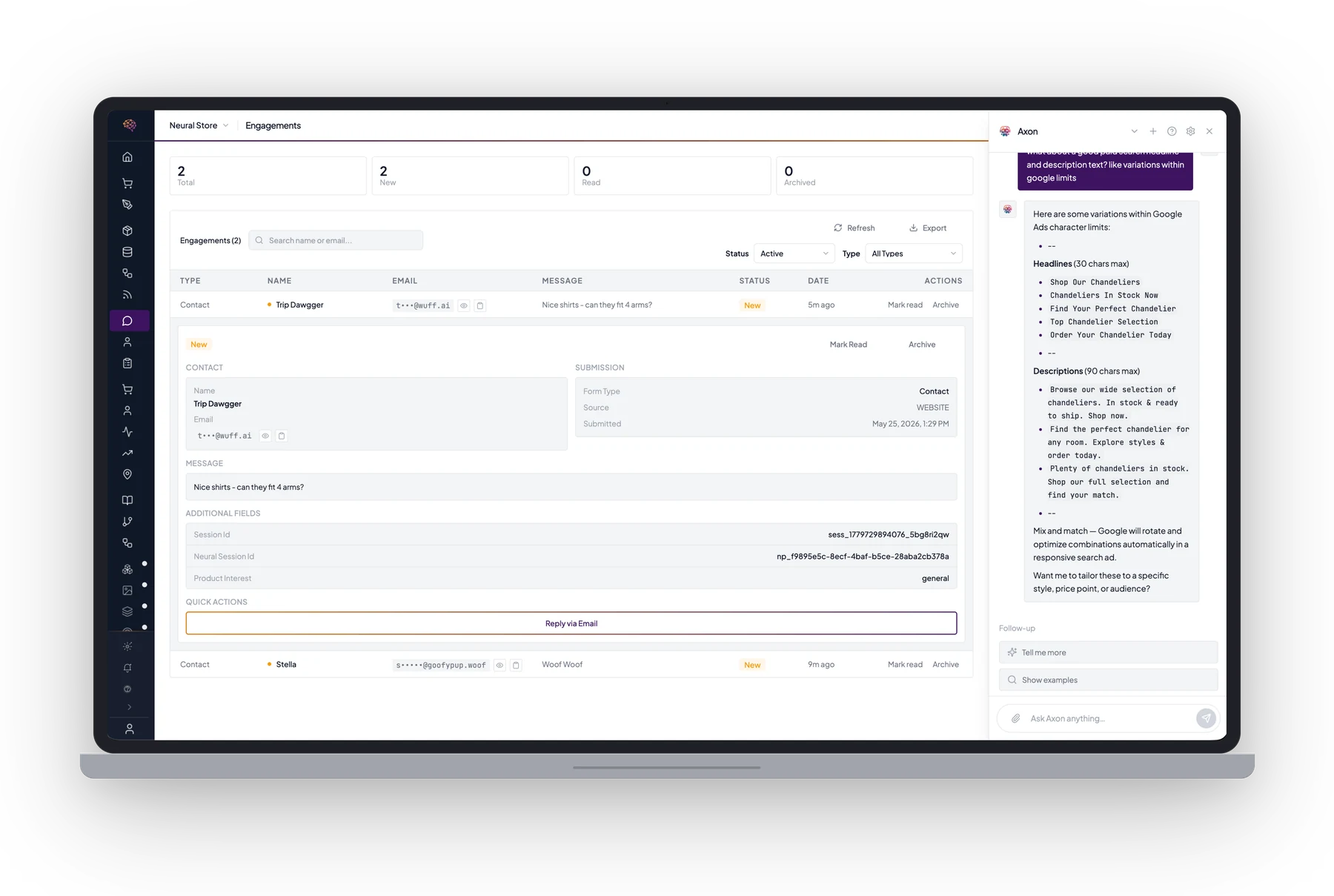
A Neural Core engagements inbox with the Axon agent drafting Google Ads headline and description variations from a contact submission.
Live Demo

Three Workflows. Same Engine. Different Levels of Autonomy.

A live look at three real workflows running side-by-side — a daily product audit running fully auto, a customer form reply pausing for a human approval, and a monthly promotions rollout running on a supervised schedule. Same observability, same audit trail, same credit accounting across all three.

Most of Your Team's Workday Is the Work Between Systems

01

The seams are where everything stalls.

Pulling data from your POS, drafting a reply, updating a feed, sending an alert. Each step is small. Together they fill calendars with copy-paste work nobody set out to hire for — and they're the first thing to fall behind when the team gets busy.

02

"Automation" today is brittle scripts and prayer.

Zapier loops, cron jobs, half-finished n8n flows. They run until something changes, then they silently fail until a customer complaint surfaces. Most teams have more broken automations than running ones — and no good way to tell which is which.

03

Approval bottlenecks turn humans into roadblocks.

Every workflow that needs a signoff stalls on someone's inbox. The flow shouldn't run without review where review matters — but the work also shouldn't wait on you for everything. Most tools give you all-or-nothing; you need both, surgically.

04

Your automation stack can't reach the AI work.

Drafting copy, evaluating data, generating creative — the parts where AI actually helps — live outside your existing automation tools. Bridging them is custom code, written and rewritten every time something changes upstream.

Workflows That Run on Their Own — and Pause for Humans When They Should

Multi-step orchestration with built-in autonomy controls. The same tools your team uses. Account-scoped from the start. Human-in-the-loop wherever a step calls for review. Runs against your monthly account credits with full real-time visibility — buy more when you need more throughput.

Trigger on Anything

Schedules (cron, daily, weekly), events (form submitted, order placed, webhook fired), or manual (a person clicks Run). Same engine across all three — same observability, same logs, same credit accounting.

Multi-Step Orchestration

Chain agent actions into sequences with branching, conditionals, and parallel steps. Build the workflow that mirrors how your team already does the work — not the workflow your tool can express.

Human-in-the-Loop, Surgically

Any step can be marked approval-gated. The workflow pauses, routes a review request to the right person, then resumes once approved. Auto where you trust it, gated where you don't — per workflow, per step.

Per-Workflow Autonomy Controls

Set each workflow's autonomy level — fully auto, supervised, approval-gated, or manual-only. Dial individual workflows up as your team's trust grows, and dial others back when stakes are high.

Same Tools as Your Team

Workflows call the same APIs, integrations, and surfaces your personalized agent and humans can. POS, ERP, ecommerce, ad channels, email tools, custom integrations — whatever your account has access to.

Always Observable

Every step logged with status, duration, inputs, outputs, and a clean audit trail. See what ran, when, why, and how — no more guessing whether a workflow actually fired last night.

Failure Handling Built In

Retries with backoff. Escalation when retries exhaust. Alerts route to the right person with the full run log attached. Nothing fails silently, and nothing keeps trying forever in the background.

Account-Scoped Data

Workflows only touch what your account owns. No data crosses tenant boundaries, no logs pooled, no runs visible outside your team. Same data isolation as the rest of Neural Core.

Real-Time + Scheduled, Same Engine

Cron jobs and real-time event triggers run on the same orchestration layer. No second tool for "live" automations, no separate dashboard for scheduled ones. One place to build, monitor, and tune everything.

Counts Against Account Credits

Workflow runs draw from the same monthly credit pool that covers your personalized agent. Most accounts stay well inside the included allocation; high-throughput teams can purchase additional credit packs at transparent rates.

Common Questions

What kinds of workflows can I automate?
Anything that has steps and a trigger. Common ones: product data audits, customer form replies, content publishing, feed syndication, inventory reconciliation, monthly reports, promotion rollouts. If a person on your team does it on a recurring basis or on a clear trigger, it's a workflow candidate.
How do I keep a human in the loop where I need one?
Every workflow step can be marked as approval-gated. When the workflow reaches that step, it pauses and routes a review request to the right person on your team. Once approved, it picks up where it left off. The flow doesn't go without you when you want a signoff — but it also doesn't wait on you for everything.
What triggers a workflow?
Schedules (daily, weekly, cron), events (a form submitted, an order placed, a webhook fired), or manual (a person clicks Run). Same engine across all three — same observability, same logs, same credit accounting.
How is pricing structured?
Workflow runs draw from your monthly account credits — same pool that covers your personalized agent. Most teams stay well inside the included allocation; high-throughput accounts can buy additional credit packs at transparent rates. Usage is visible in real time in your dashboard.
What happens when a workflow fails?
Failed runs get retried with backoff. If retries exhaust, the workflow is paused and an alert routes to your team with the full log of what ran, what failed, and where. Nothing fails silently — and nothing keeps trying forever in the background.
Can workflows touch external systems?
Yes. Workflows can call any tool your account has access to — POS, ERP, ecommerce platforms, ad channels, email tools, and your custom integrations. Same access boundaries as your team; whatever a person can do, a workflow can be authorized to do.